Blog
Guides and release notes: Liquid Glass in CSS, Apple's colors and type on the web, dark mode, and what changed in each version.
RSS feed
How to get an AI agent to design like Apple on the web
Claude Code, Codex and Cursor can build macOS and iOS style interfaces on the web that follow Apple's Human Interface Guidelines. The Puppertino skill gives them the rules and the markup, in one install.
All posts
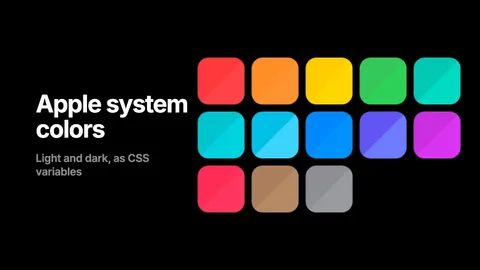
Apple system colors in CSS, with the hex values
The thirteen macOS 27 and iOS 27 accents, the text levels, fills, backgrounds, grays and separators, as hex and rgba for light and dark, and as CSS custom properties that flip on their own. Copy the table or load the stylesheet.
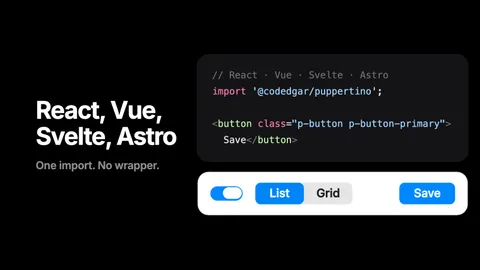
Puppertino with React, Vue, Svelte and Astro
Puppertino is plain CSS with optional vanilla scripts, so it needs no wrapper for any framework. Four short recipes: the import, dark mode, and which helpers to call after your components mount.
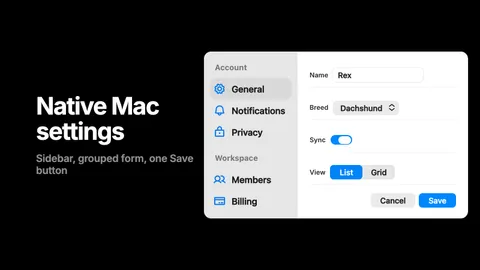
Build a settings page that feels native on a Mac, in HTML and CSS
A sidebar, a grouped form, a switch, a segmented control and one Save button, in about sixty lines of plain HTML with Puppertino. The result reads as a Mac preferences pane without pretending to be one, and it works in dark mode and with a keyboard.
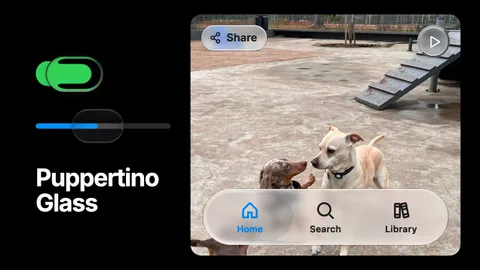
Puppertino Glass: How we implemented liquid glass for UI components and surfaces
Apple's Liquid Glass has no native version on the web. Puppertino ships two: a faux lens for switches and sliders that works everywhere with no library, and real-time refraction for bars, buttons and panels in Safari, Chrome, Firefox and Edge. Here is how each one is built and when to use which.
Puppertino 2.0, Dachshund: what changed
Puppertino 2.0 (Dachshund, October 2026) rebuilds the framework on the macOS 27 and iOS 27 design. Here is what is new, what the versions map to, and how to upgrade from 1.x without touching your markup.